
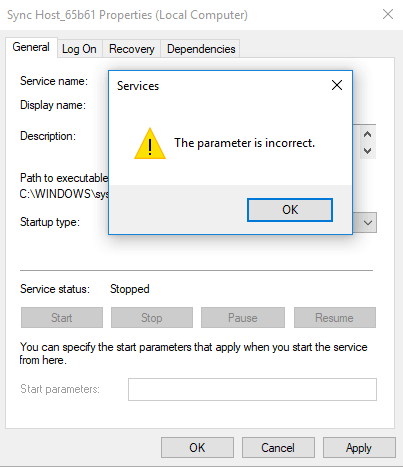
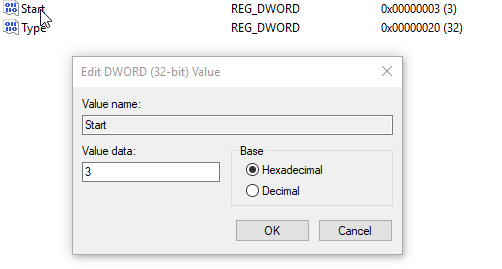

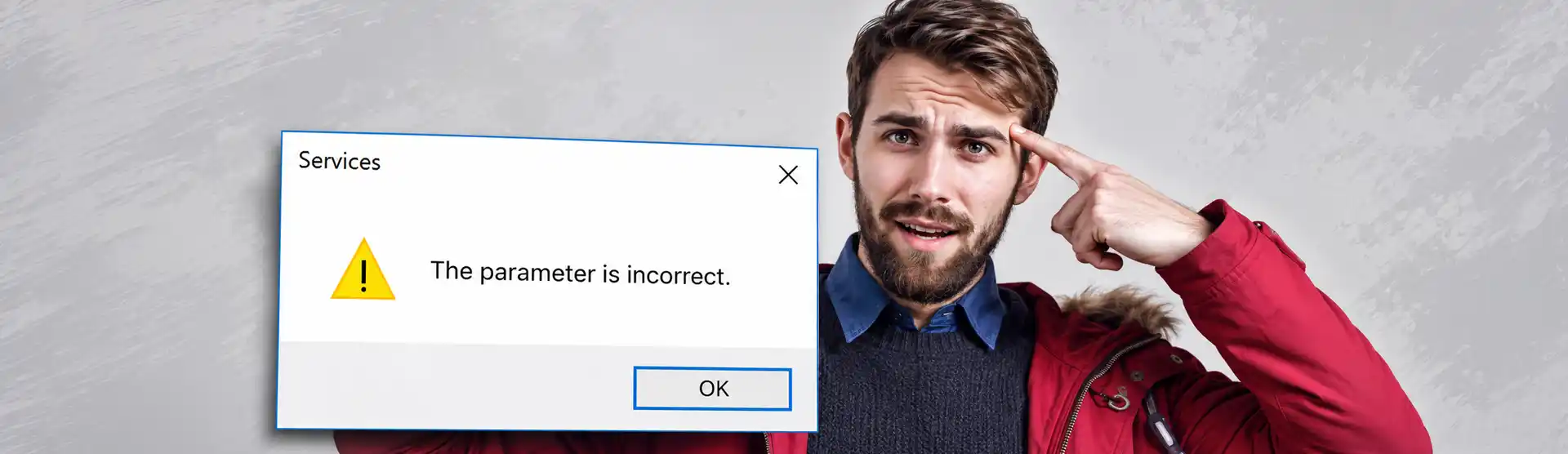
Sometimes it’s not possible to change the services state of a service in Windows through the usual tool. Some may experience “The parameter is incorrent” and other error messages. This fast workaround shows how you can change that status anyway.

Manually disable Windows 11 updates with clear step-by-step instructions for services, registry settings, and scheduled tasks.

Is your monitor randomly turning on and off? And it happens when you move your mouse and do something on your computer? There is only one simple solution…

Stop Windows desktop icons from moving to another monitor with practical fixes, cache resets, registry tips, and a simple workaround.